


Edge
Process inputs close to the source.
NEIROVIEW ANALYTICS PLATFORM
Connect video, operational data and physical devices with NAP. Apply AI and visual rules to turn signals into events, team workflows and device actions.

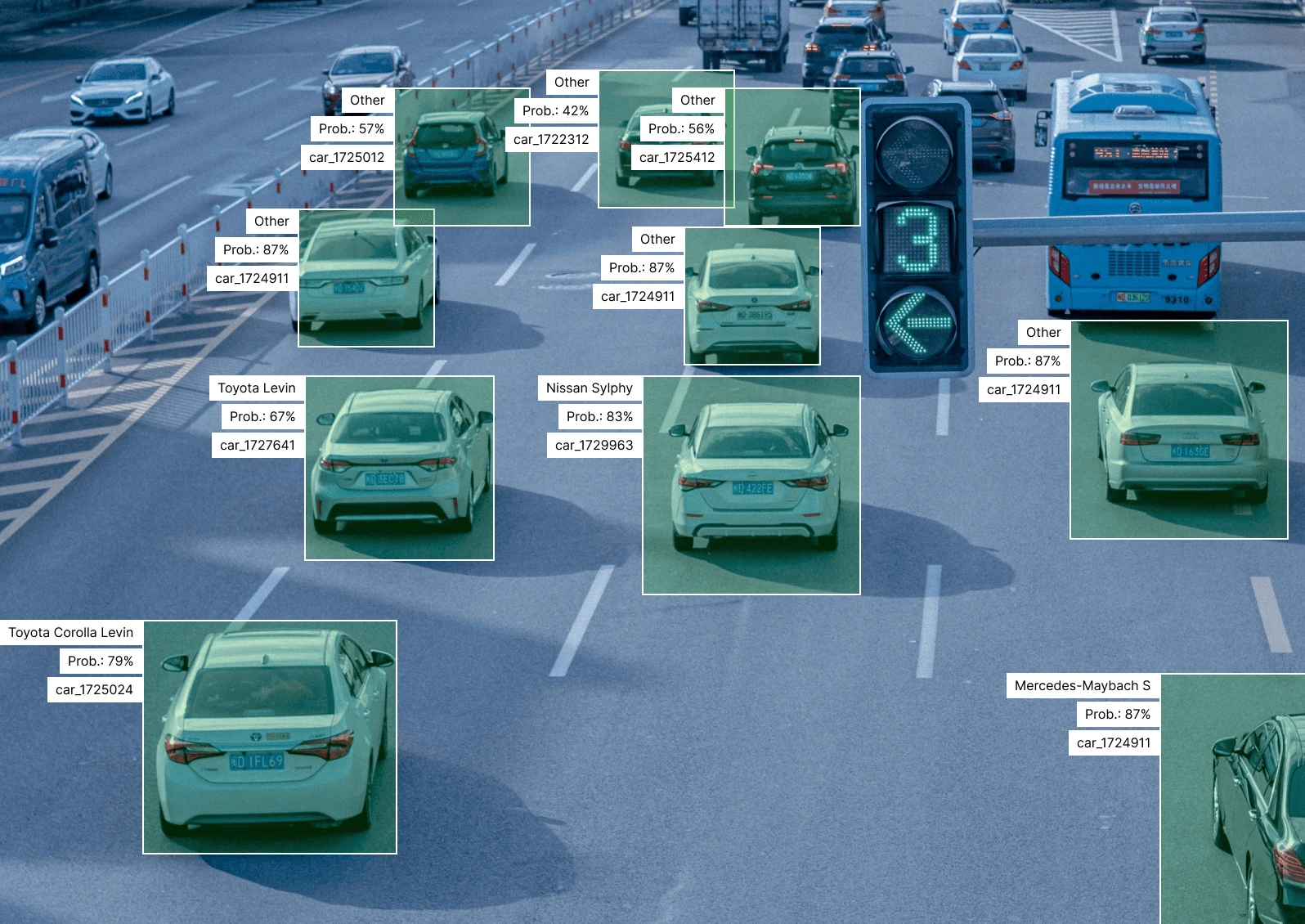
01 / THE PLATFORM
Bring data, AI and connected devices into the same operating logic. Define the conditions that matter and what should happen next.
Connect video, images and data from HTTP services or configured integrations.
Video + operational dataCombine AI outputs and operational context with visual rules: who, where, when and what happens next.
Policies + conditionsRecord an event, notify a team or send a command to a connected lock, controller or indicator.
Teams + physical devices02 / INSIDE THE PLATFORM
Configure dashboards, combine AI with operating rules, and manage events and connected actions.
See it with your use case

Build multiple custom dashboards with the sources and indicators each team needs.
PROOF OF VALUE
Faster responses, less manual coordination and traceable incident evidence in completed projects.
 9 MONTHS · IMPLEMENTATION
Safe City
Site-specific threat alerts give operators the location and video evidence needed to coordinate a response.
Scenarios covered
2,000+ live video streams242 schools
Explore the case 5 MONTHS · IMPLEMENTATION
Shipyard Safety
PPE checks and work-zone monitoring connect safety violations to the team responsible, with visual evidence.
Scenarios covered
500+ live video streams32 shipyard sheds
Explore the case 4 MONTHS · IMPLEMENTATION
Airport Baggage
Baggage identity, handling events and footage give teams a connected record for incident investigations.
Scenarios covered
200+ cameras5 baggage journey stages
Explore the case03 / YOUR INFRASTRUCTURE
Deploy NAP at the edge, on-premises or in a private cloud. Keep operational data in your infrastructure and define how your systems connect.
Discuss your deployment04 / CONNECTED OPERATIONS
See how a policy turns a detection into a door command, a cargo record or an incident response.
 PPE COMPLIANCE PASSED
Camera · Protective clothing · Gloves
Detect the person at the entrance
Check required protective equipment
Unlock the laboratory door if all conditions pass
Compose conditions in Scenario Builder.

Record the action with its evidence.
When the configured safety conditions pass, NAP sends an unlock command to the connected access controller and records the decision.
Connect sensor data, business systems and VMS through configured interfaces. Link workflows to physical devices such as locks, controllers and status indicators.
Interfaces, permissions and any custom integration work are scoped to your deployment.
MCP / MODEL CONTEXT PROTOCOL
Inspect sources, analytics and service state from your AI assistant. Use supported operations within your deployment’s permissions.
Discuss MCP integrationFOR INTEGRATORS & TECHNOLOGY PARTNERS
Build customer solutions on NAP. White-label and OEM options align branding, licensing and support with your delivery model.
Discuss a partnershipCOMMON QUESTIONS
Data sources, devices, deployment and validation.
Discuss your use case ↗NAP is NeiroView Analytics Platform, a Physical AI platform for connecting data, AI and operational actions. Use video and other data sources, configure visual rules, and connect the resulting events to teams, business systems and physical devices.
NAP combines analysis with workflow logic and connected actions. A condition can create an event, notify a team or send a command to a lock, controller or indicator. It can work alongside an existing VMS; interfaces, permissions and custom integration work are defined for each deployment.
NAP supports camera streams, video files, images and HTTP services. Sensor data and business systems connect through configured interfaces or custom integrations. Device actions can target locks, controllers and indicators through compatible services. We confirm formats, APIs, network access and permissions for your deployment.
Supported modules can be combined visually in Scenario Builder. New AI models, custom integrations, scripts or infrastructure work may require engineering.
In an agreed edge, on-premises or private-cloud setup, data can remain in your infrastructure without being sent to NeiroView. Licensing, updates, support access and third-party connections are defined for the deployment.
NAP exposes a REST API. For VMS, access control, ERP and other systems, we confirm the required data, actions, permissions and whether a connector or custom integration is needed.
A pilot tests the scenario with representative inputs and site conditions. We agree detection, false-alert and response criteria before testing, then use the results to refine or expand the setup.
Describe the operational problem, the desired response, available data sources and connected systems. Share sensitive footage or access details only through an agreed secure process.

